A Digital Calendar and Chore Chart in One Screen
Every family runs the same two systems: a calendar (who needs to be where) and a chore chart (who's doing what). And in most kitchens they live in different places — the calendar on someone's phone, the chore chart on paper that stops being true by Wednesday.
Want a chart to print and tick this week instead? The chore chart generator makes a weekly grid, free, with no account.
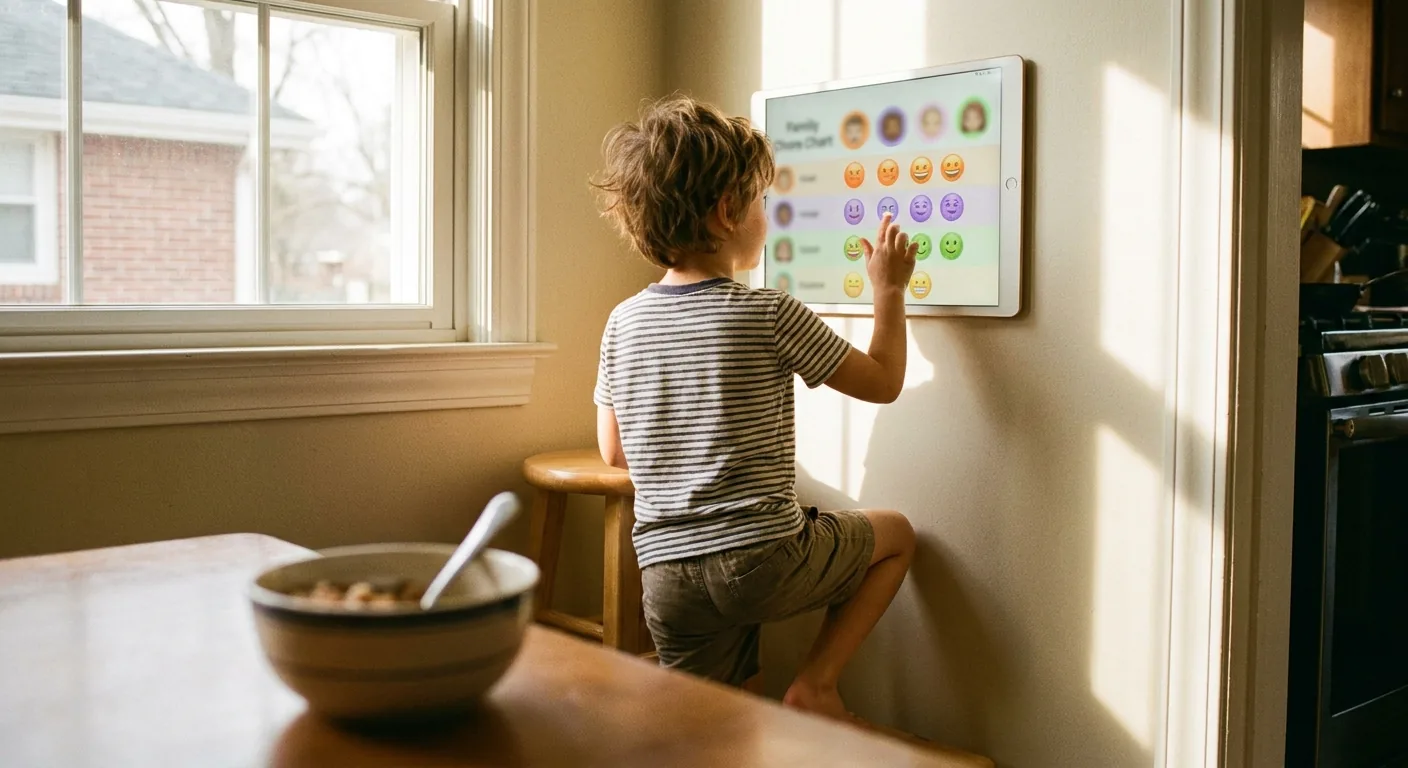
Putting both on one always-on screen changes the dynamic: kids check the screen instead of asking you, and the screen — not a parent — is the one saying whose turn it is.
Why rotation beats assignment
Paper chore charts fail for a predictable reason: someone has to maintain them, and re-negotiate them every time a kid declares "I did it yesterday!"
DinkyDash handles this with automatic rotation. You define each recurring chore once — say, set the table and feed the dog — and list who's in the rotation. Every day, the assignment advances automatically and appears on the dashboard next to the child's name:
🍽️ Set table — Jun 🐕 Feed dog — Mina
Nobody negotiates with a screen. The rotation is provably fair (it cycles through everyone in order), and it never forgets. The turn changes with the date, alongside the day's calendar events, birthday countdowns and an AI-written daily message.
Your options for a calendar + chore chart screen
| Option | Cost | Chore features |
|---|---|---|
| DinkyDash (screen you own) | Free to self-host; hosted $39/yr or $6/mo | Automatic daily rotation |
| DAKboard (screen you own) | Free tier; $6–10/mo | Chore columns per child, points and rewards — paid plans only |
| Skylight Calendar | $299.99–$599.99 | Chore chart free; rewards need Plus ($79/yr) |
| Hearth Display | $699 + $9/mo ($86.40/yr) | Routines and task assignments |
Prices checked 9 October 2026.
Skylight, Hearth and DAKboard all do chores well — that's part of why families pay for them. But if the price is the obstacle, the free route gets you the core loop (visible chores, fair rotation, zero nagging) on a screen you already own. Our DIY guide shows the whole build, and the getting started guide has the copy-paste setup.
The countdown trick
One more thing that earns its place on the chore screen: countdowns. "8 days until your birthday" and "19 days until the holiday" give kids a reason to look at the dashboard voluntarily every morning — and while they're there, they see whose turn the dishes are. That's the whole trick, honestly.
You can see the effect without installing anything: our birthday countdown is the same panel on its own, free and with no sign-up. Add the kids' birthdays and leave it open on a spare screen.
Set it up this weekend: Self-host DinkyDash — or start a free 14-day hosted trial if you'd rather skip the setup.
Last updated 2026-10-10.